 Free neon sign tools
 Artwork quotes

Test a neon sign with the phone or camera you use
Take a short clip and a still at each intended brightness with the room set up normally. Compare readable text, faces and reflections using the same camera position.
RETRP editorial ·
On this page

Set the scene first
Turn on the lamps used during your event or recording. Place a person where they will stand, and choose the actual lens or phone mode. If you compare more than one sign or color, keep the background and exposure settings consistent.
Check the whole frame
Use the supplied controller if available. Record one clip at the ordinary setting and another at a lower one. A bright board and a face sit in the same exposure, so compare both. Look at the clip for rolling bands. The hardware and camera mode together matter.
Write down the settings
Record the camera mode, where it was, the room lights and which brightness was usable. Ask the supplier for the actual controller model and any compatible options if the camera test shows problems. Save one reference shot with the production file.
Questions before you order
Can a screen preview show camera flicker?
Test the actual light, controller and camera together. The web tool shows a color and glow comparison.
Which white is best for a wedding photo?
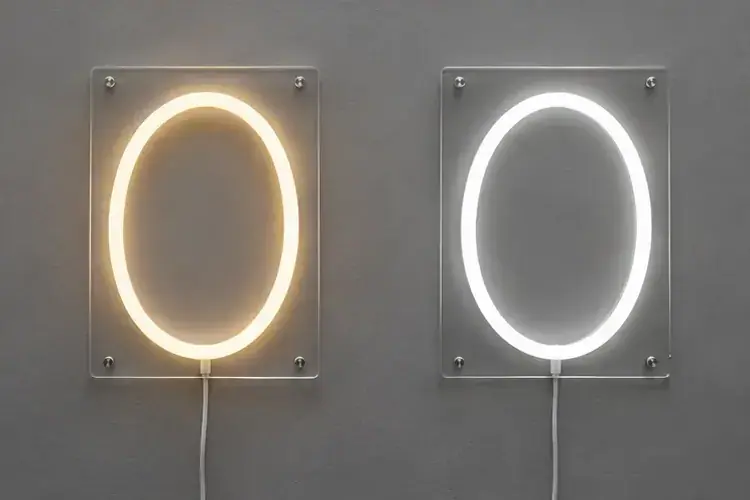
Try the light next to the backdrop and room lighting. Compare one warm white and one neutral white at the same brightness and exposure.
Sources: Environmental Lights color and dimming terminology · Buyer discussion on white tones